









Keeping track of your contacts and ensuring your addresses are up-to-date can be a daunting task, especially during busy seasons like the holidays or wedding planning. Shutterfly’s free online address book service is designed to make this process effortless and efficient. In this guide, we’ll explore how to make the most of this convenient tool, providing you with tips and tricks to streamline your mailing process.
Jump to:
- What is Shutterfly’s Online Address Book Service?
- How to Set Up Your Address Book
- How to Send Christmas Cards
- Tips & Tricks
- Envelope Addressing
- Frequently Asked Questions
What is Shutterfly’s Online Address Book Service?
Shutterfly’s online address book service is a free tool that allows you to store and manage your contacts’ mailing information in one convenient spot. You can add, edit, and organize addresses with ease, making it simple to send out holiday cards, wedding invitations, announcements, and more without worrying about missing or outdated details.
How to Set Up Your Address Book
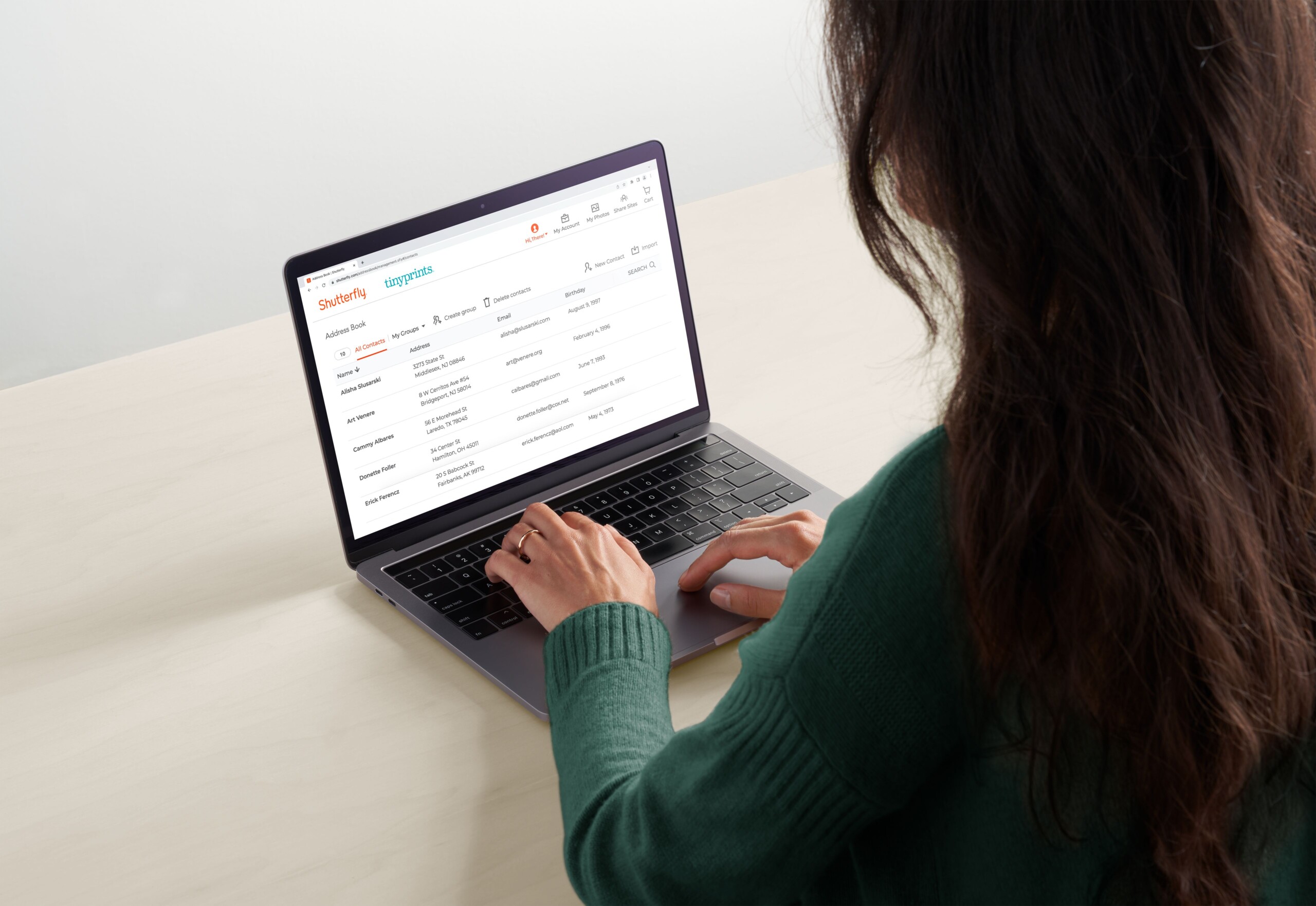
Shutterfly’s free address book service makes storing and managing your contacts simple. Here’s how to set it up:
1. Add Addresses Manually
- Log in to your Shutterfly account and open “Address Book.”
- Enter names and mailing information directly into your contact list.
2. Request Addresses From Friends & Family
- Select “Request From Friends” in the menu.
- Share a personalized link with family and friends.
- Recipients enter their mailing info, and it’s automatically added to your book.
3. Import Contacts from a Spreadsheet
- Prepare a CSV file with your contacts’ names and addresses.
- Use the “Import” option to upload your list in one step.
4. Organize Your Contacts
- Group by Family, Friends, Colleagues, or other categories.
- Review and update addresses periodically to keep your list current.
How to Send Christmas Cards with Shutterfly
Once your address book is set up, sending Christmas cards is stress-free:
1. Create Your Christmas Cards
- Browse Shutterfly’s Christmas card templates.
- Personalize with photos, greetings, and design elements.
2. Select Recipients from Your Address Book
- At checkout, choose “Mail My Cards for Me” or ship to your home.
- Use your address book to apply names and addresses instantly.
3. Finalize and Mail Your Cards
- With “Mail My Cards for Me,” Shutterfly prints, addresses, stamps, and mails each card directly.
- Prefer to hand deliver or add notes? Have the finished cards shipped to you.
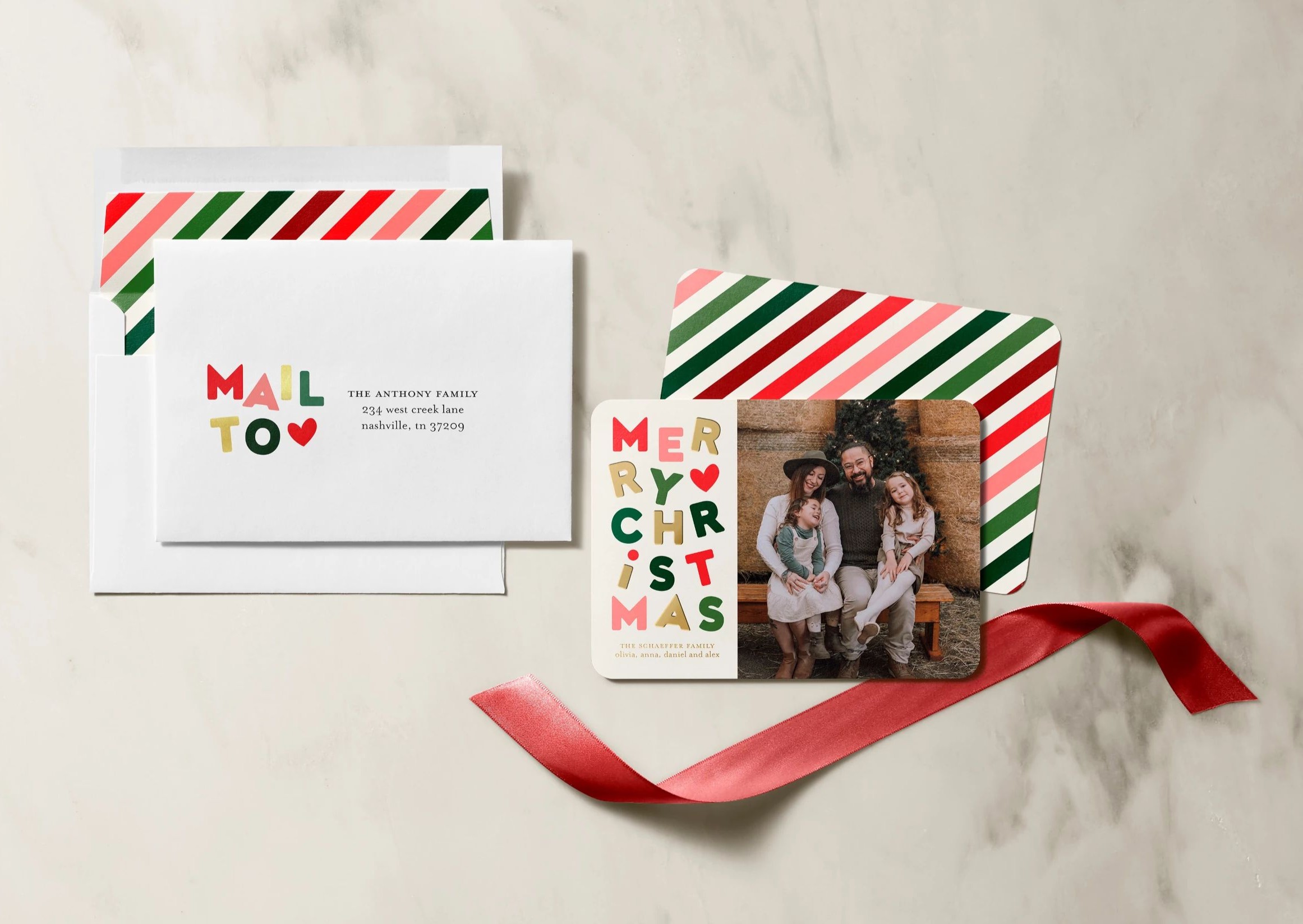
Pro Tip: For a polished finish, use Shutterfly’s envelope addressing service to print recipient information in coordinating fonts and festive styles.
Tips for Making the Most of Your Address Book
- Keep It Current: Review and update contacts ahead of major mailings like holiday cards, weddings, or graduations.
- Use Import Features: A CSV upload saves time if you’re starting from scratch or working with a large list.
- Stay Organized: Categories make it easy to send to specific groups during the holidays.
- Customize Your Labels: Shutterfly offers matching address labels for a coordinated, professional look.
How Does Shutterfly’s Envelope Addressing Work?
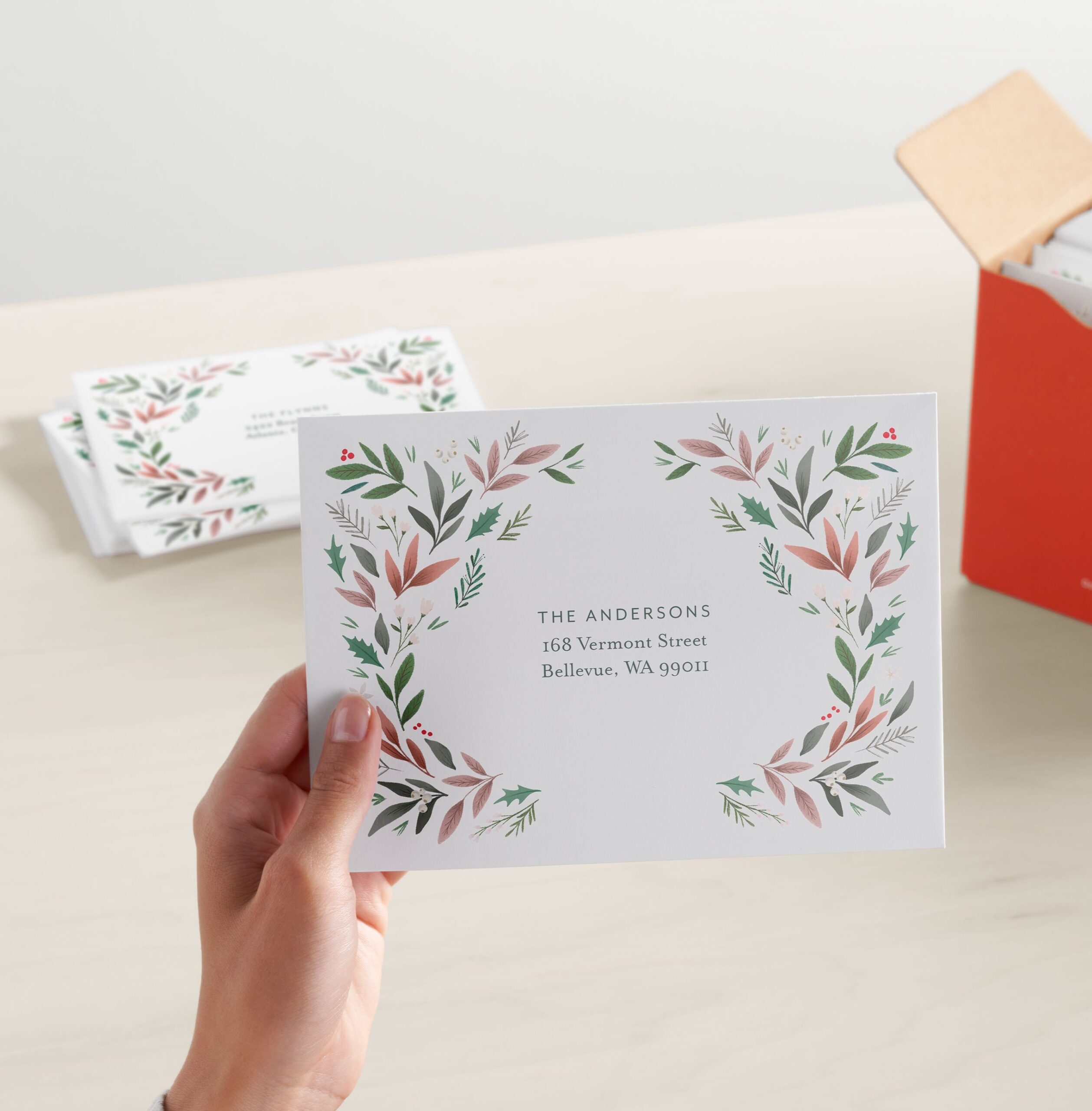
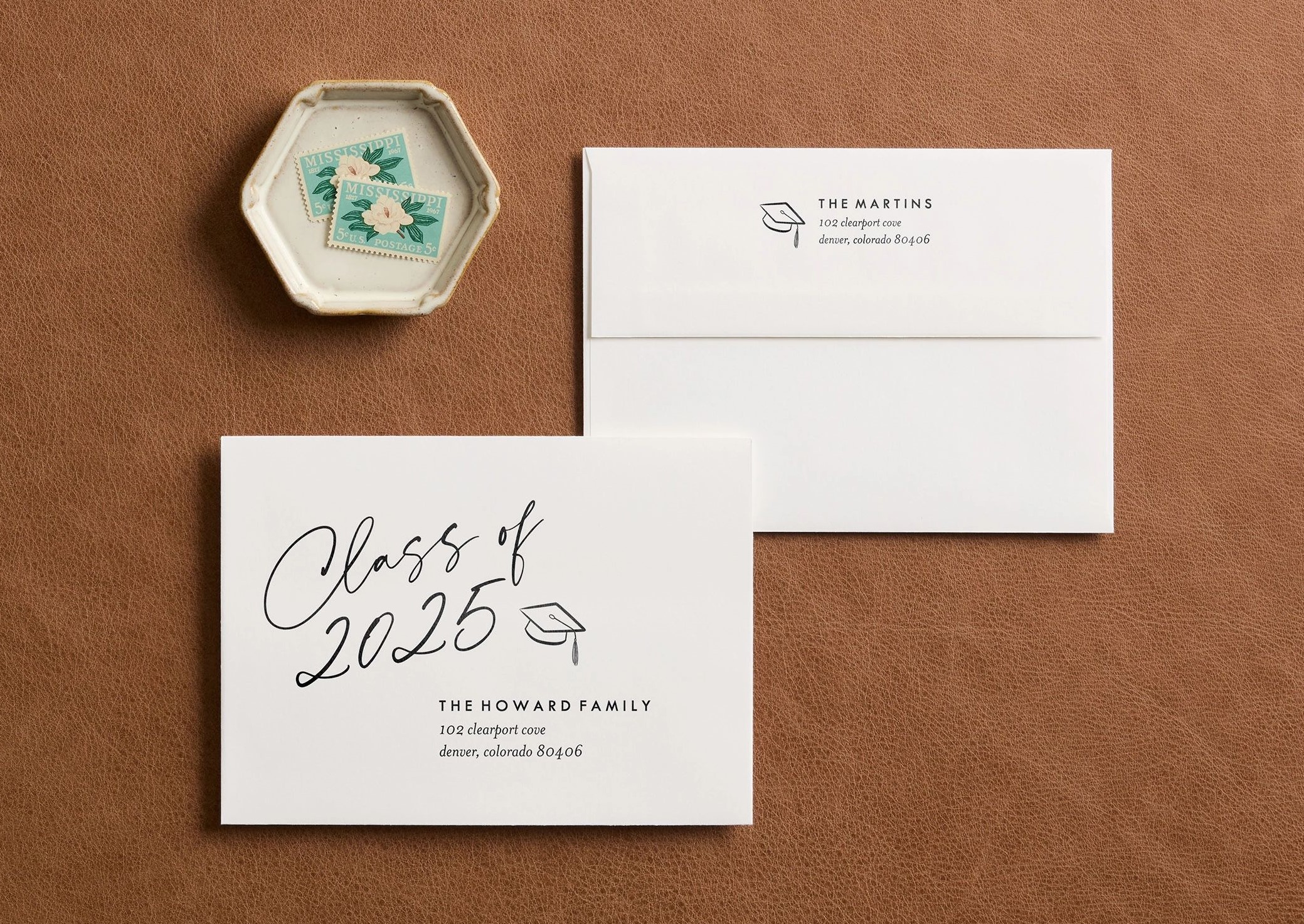
Envelope addressing takes your cards to the next level by printing recipient details directly on the envelopes:
1. Select Your Card or Invitation
- Choose from Shutterfly’s wide variety of card and invitation designs.
2. Opt for Envelope Addressing
- During customization, pick fonts and designs that match your card style—elegant for weddings, festive for holiday cards, playful for baby announcements.
3. Choose Recipients
- Pull names and addresses directly from your address book, and Shutterfly will print them on your envelopes for you.
Common Questions About Shutterfly’s Online Address Book Service
How do I edit or delete a contact?
To edit or delete a contact, go to your address book, select the contact you want to change, and click ‘Edit’ or ‘Delete.’ Make sure to save any changes. To delete contacts in bulk, select “Delete Contacts” and choose the contacts you wish to delete.
Can I share my address book with others?
Currently, Shutterfly does not offer a direct sharing feature for address books.
Is my information secure?
Shutterfly takes privacy and security seriously. Your address book is stored securely, and only you have access to your contact information.
Related Resources
Shutterfly’s online address book and envelope addressing service are invaluable tools for managing your mailing list efficiently. By following these tips and utilizing the features available, you can save time, reduce stress, and ensure your mailings are always accurate and beautifully presented. Keep your address book updated, take advantage of customization options, and enjoy the convenience of seamless mailings with Shutterfly.
Additional Resources:
