


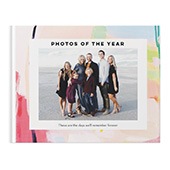






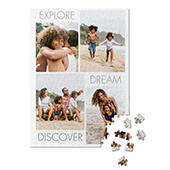
Creating an annual photo book is a wonderful way to capture the memories, milestones, and everyday moments from the past year. Whether it’s family gatherings, trips, holidays, or personal achievements, an annual photo book lets you look back and relive your favorite 2025 moments. Shutterfly’s photo books make it easy to design a beautiful, professional-looking keepsake, even if you’re new to photo books. Here’s a step-by-step guide to help you create your own year-in-review album.
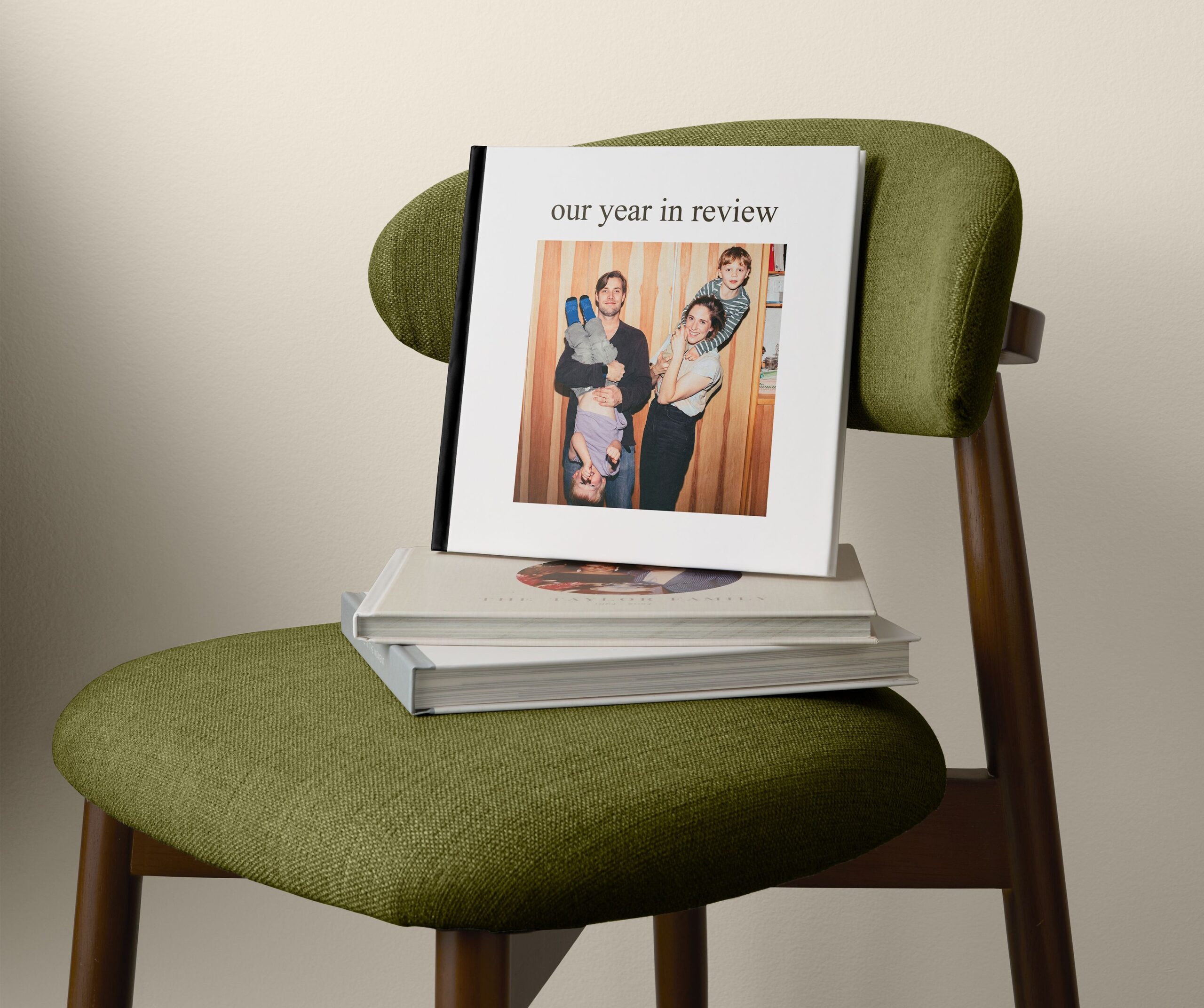
1. Gather Your Photos From 2025
Before you start designing your photo book, collect all the photos you want to include.
- Check all devices: Look through your phone, camera, cloud storage, and social media accounts for pictures from the past year.
- Organize by month or event: Sorting photos chronologically or by major life events makes it easier to structure your book.
- Pick your favorites: Don’t feel like you need every photo. Focus on the ones that best represent your year, whether they’re highlights or small, meaningful moments.
💡 Pro tip: Shutterfly allows you to import photos directly from your phone, computer, Google Photos, Facebook, or Amazon Photos, making it easy to centralize all your 2025 memories.
2. Choose the Right Annual Photo Book Style
Shutterfly offers a variety of photo book styles that work perfectly for year-in-review albums. Some popular options include:
- Hardcover Photo Books: Durable and elegant, perfect for keeping on your coffee table.
- Softcover Photo Books: Lightweight and budget-friendly, great for casual albums.
- Flush Mount Photo Books: Extra-thick pages for a premium, professional look.
- Layflat Photo Books: Ideal for panoramic photos or images that span two pages seamlessly.
💡 Pro tip: Many Shutterfly photo book styles have pre-designed “Year in Review” templates, which can save time and make your book look polished.
3. Decide on a Layout and Theme
A clear layout and consistent theme give your book a professional, cohesive look.
- Chronological: Start with January 2025 and end with December 2025, highlighting events month by month.
- Event-based: Group photos by holidays, vacations, birthdays, or other key milestones.
- Mood or color theme: Choose consistent colors, filters, or backgrounds to tie the book together visually.
💡 Pro tip: Use Shutterfly’s auto-fill feature to automatically arrange your photos in a visually appealing order, or customize each page for a fully personal touch.
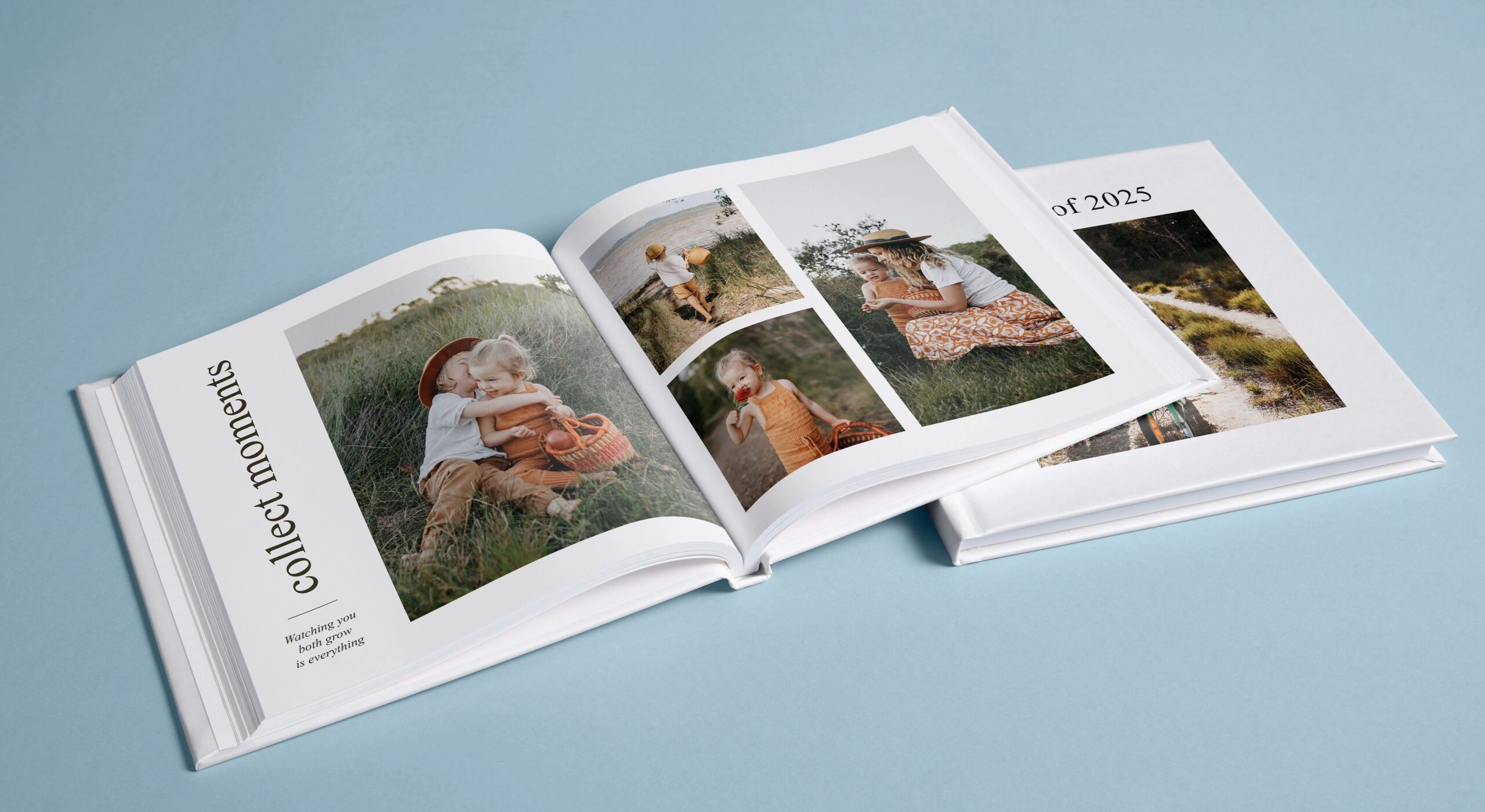
4. Add Captions, Quotes, and Memories
Text adds context and personality to your photo book.
- Write brief captions: Include dates, locations, and little notes about what’s happening in the photo.
- Include quotes: Personal reflections, funny anecdotes, or favorite 2025 quotes make your book more memorable.
- Highlight milestones: Graduation, new jobs, anniversaries, or family additions deserve special attention.
💡 Pro tip: Don’t overcrowd pages with text. Short, meaningful captions are more engaging than long paragraphs.
5. Personalize With Backgrounds, Stickers, and Embellishments
Shutterfly offers a wide range of tools to make your annual photo book unique.
- Backgrounds: Choose seasonal, festive, or neutral backgrounds to complement your photos.
- Stickers & embellishments: Add icons for birthdays, vacations, or holidays to make your book playful and fun.
- Frames & borders: Highlight special photos with frames or decorative borders.
💡 Pro tip: Keep a consistent style for stickers and backgrounds to maintain a polished look throughout the book.

6. Review, Edit, and Perfect Your Book
Before ordering, make sure your book is exactly how you want it.
- Check photo quality: Ensure images are high-resolution to avoid blurry prints.
- Proofread captions: Double-check spelling, dates, and names.
- Preview the layout: Use Shutterfly’s preview tool to flip through each page and ensure photos and text are aligned.
💡 Pro tip: Ask a friend or family member to review your book. A fresh set of eyes can catch errors or suggest improvements.
7. Order and Preserve Your Memories
Once your book is finalized:
- Select your size and cover options: Shutterfly offers multiple sizes and cover materials, from hardcover to leather-bound.
- Choose extras: Add a protective dust jacket or layflat binding for a premium finish.
- Place your order: Shutterfly prints your book with professional quality and ships it directly to your door.
💡 Pro tip: Annual photo books make excellent gifts for family and friends, especially around New Year’s, birthdays, or holidays.
2025 Year in Review Photo Book Ideas

Whether you’ve been capturing a everyday moments at home full of love or documenting major life milestones, don’t let your photos stay in digital folders forever. Instead, turn them into personalized photo books for your year in review album. Sometimes it’s hard to organize our memories in a way that makes sense and looks great. Use our photo book ideas below to easily comb through your photos and start organizing them into yearly photo books. These ideas will all look great to display around the home or be given as personalized gifts to loved ones.
Theme-Based Photo Book
Instead of organizing your photos chronologically, consider creating a theme-based photo book. Choose a theme that resonates with your year, such as “Adventures and Travel,” “Family and Friends,” or “Milestones and Achievements.” This approach allows you to highlight specific aspects of your life and create a cohesive narrative around that theme.
Monthly Highlights
Divide your photo book into sections representing each month of the year. Select a few standout photos from each month that capture the essence of that time. Include a brief description or caption for each photo to provide context and tell the story of your year month by month.
Collage-Style Layout
If you have a large number of photos you want to include, consider creating a collage-style layout. This allows you to fit multiple photos on a single page, creating a visually dynamic and vibrant photo book. Experiment with different photo collage arrangements and sizes to create a visually appealing and engaging design.
Quotes and Reflections
Incorporate meaningful quotes or personal reflections throughout your yearly photo book. These can be quotes that inspired you throughout the year or reflections on the lessons learned and experiences gained. Adding these elements adds depth and introspection to your year in review photo book.
Yearly Highlights Timeline
Create a timeline of the year’s highlights, showcasing key events, milestones, and achievements. Arrange the photos chronologically along the timeline, and include captions or descriptions to provide context and details about each moment. This approach allows you to visually see the progression of your year and the significant moments that shaped it.

Seasonal Showcase
Divide your photo book into sections representing each season. Select photos that capture the unique characteristics and activities of each season, such as summer vacations, autumn foliage, winter holidays, and spring blossoms. This approach allows you to showcase the changing seasons and the different experiences and memories associated with each.
Baby Photo Books
Families grow by the minute. If you’ve recently brought a new baby into the world or even a new puppy, share the love with others. Create a baby photo book and include photos of their first day in your home, playtime and feeding time. Showcase all of your little one’s most memorable moments in a photo book documenting their first years. To make a custom baby album, organize your pictures by month to make sure to include snapshots that chronicle important milestones.
Collaborative Photo Book
If you have shared experiences with family or friends, consider creating a collaborative annual photo book. Invite your loved ones to contribute their favorite photos and memories from the year, and combine them into a single photo book. This collaborative effort not only creates a diverse and comprehensive collection of memories but also strengthens the bond and shared experiences with your loved ones.
Related Resources on Year in Review Photo Books
Annual photo books are a beautiful and meaningful way to capture and preserve the memories of a year. They allow you to curate and showcase your favorite moments, creating a visual narrative that tells the story of your life. Whether you create them for yourself or as gifts for loved ones, these photo books serve as a tangible reminder of the joy, growth, and love experienced throughout the year.
Additional resources:
- Photo Book Templates
- New Photo Book Designs
- Best Travel Photo Book Designs
- Best Wedding Photo Book Designs
- Best Photo Book Designs for Graduation
- Best Photo Book Designs for Mother’s Day
- Coffee Table Photo Book Ideas
- How to Make an Affordable Photo Book
- How to Get the Best Photo Book Deals
- How Many Photos Should be in a Photo Book?
- Shutterfly Photo Books Guide: Common FAQs
